
How to Design Immersive Lighting Without Compromise
The best lighting for a dual gaming setup is immersive but adjustable. Soft ambient lighting, indirect backlighting, and RGB alternatives reduce eye strain, support focus, and let each gamer control their own vibe; without visual overload or distraction.
The Gamer’s Guide to a Dual Setup
Sharing a gaming space sounds fun; until the lighting war starts.
One person wants intense RGB everywhere. The other gets overstimulated after 20 minutes.
One needs focus. The other wants immersion.
A dual setup (His & Hers / Theirs) isn’t just about desks and monitors; it’s about lighting psychology. Because lighting affects reaction time, focus, mood, and how long you can actually stay in the game.
This guide breaks down:
- how gaming room lighting affects performance and comfort
- how to design a dual setup without visual conflict
- why RGB overload backfires
- and how immersive lighting can support both focus and dopamine
What Is a Dual Gaming Setup?
A dual setup is a shared gaming space designed for two players with different needs.
That might be:
- partners
- roommates
- siblings
- co-streamers
The challenge isn’t space; it’s sensory balance.
Lighting has to support:
- individual control
- shared immersion
- long gaming sessions
- mental clarity
One-size-fits-all lighting doesn’t work here. For more information read Cozy Lighting.
Why Does Lighting Matter So Much in Gaming Setups?
Lighting directly affects:
- visual fatigue
- reaction speed
- focus endurance
- emotional regulation
Bright, flickering, or chaotic lighting keeps the brain in alert mode. That may feel exciting at first; but it increases fatigue and reduces performance over time.
Well-designed gaming room lighting supports immersion without overload.
The Problem with Traditional RGB Setups
RGB lighting is popular; but often misused.
Common issues include:
- constant color cycling
- high saturation
- competing light sources
- visual noise between setups
This leads to:
- eye strain
- headaches
- reduced focus
- sensory overload
Especially in shared setups, RGB becomes visual conflict instead of immersion.
Read more: TikTok LED Room
Are RGB Lights Bad for Gaming?
RGB isn’t bad; it’s just often unmanaged.
Problems arise when:
- colors change too quickly
- brightness is too high
- lighting competes with screen content
RGB works best when:
- diffused
- indirect
- customizable per user
That’s where RGB alternatives come in.
What Are RGB Alternatives?
RGB alternatives focus on controlled immersion, not spectacle.
They include:
- indirect ambient lighting
- neutral or warm bias lights
- soft color gradients
- touch-adjustable lighting zones
These options:
- reduce eye strain
- support longer sessions
- feel immersive without distraction
Think atmosphere, not fireworks.

Immersive Lighting Without Visual Overload
Immersive lighting doesn’t mean bright; it means contextual.
Effective immersive lighting:
- reacts subtly to the space
- stays outside the main field of view
- supports depth and contrast
- enhances mood without stealing attention
In dual setups, this balance is essential.
How Do You Light a Dual Gaming Setup Without Clashing Styles?
Use zoned lighting.
Each gamer should have:
- personal lighting control
- consistent light temperature
- minimal overlap with the other’s zone
Shared ambient lighting should:
- stay neutral
- be indirect
- unify the room visually
Control reduces conflict; visually and emotionally.
Read more: 7 Aesthetic Room Lighting Ideas
Best Practices for Dual Setup Lighting
1. Separate Zones, Shared Base
Use a neutral ambient layer for the whole room, then add individual lighting per setup.
This keeps the space cohesive without forcing sameness.
2. Bias Lighting Behind Each Monitor
Soft backlighting:
- reduces eye strain
- improves contrast perception
- prevents harsh transitions
It’s one of the most performance-friendly lighting upgrades.
3. Keep Light Out of Direct Sightlines
Lights should frame the space; not compete with the screen.
Indirect placement = calmer focus.
4. Choose Adjustable, Interactive Lighting
Lighting that responds to touch or subtle adjustments allows each gamer to regulate their own experience. Control equals comfort.
Related products:
Gaming, Dopamine, and Sensory Regulation
Gaming already activates dopamine pathways.
Lighting should support, not spike, that stimulation.
Overstimulation leads to:
- burnout
- irritability
-
loss of immersion
Balanced sensory lighting helps:
- maintain focus
- extend play sessions
- reduce post-game fatigue
This matters even more in shared environments.
Can Lighting Improve Gaming Focus?
Yes. Stable, low-glare lighting supports sustained attention.
The brain performs best when:
- visual input is predictable
- contrast is controlled
- brightness is moderate
Lighting becomes part of performance; not just aesthetics.
How Emberela Approaches Gaming Lighting
At Emberela, gaming lighting isn’t about max RGB; it’s about sensory intelligence.
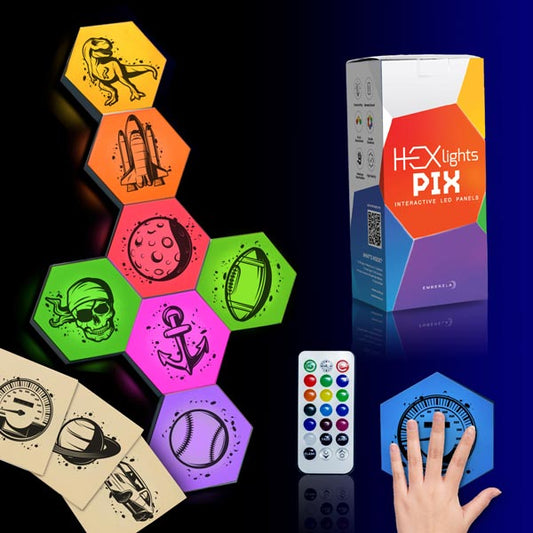
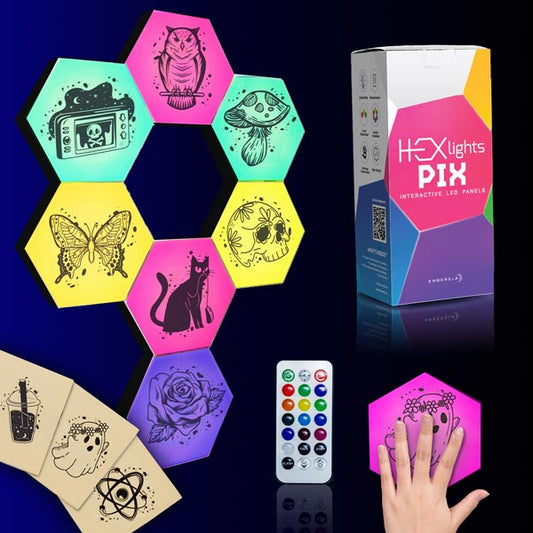
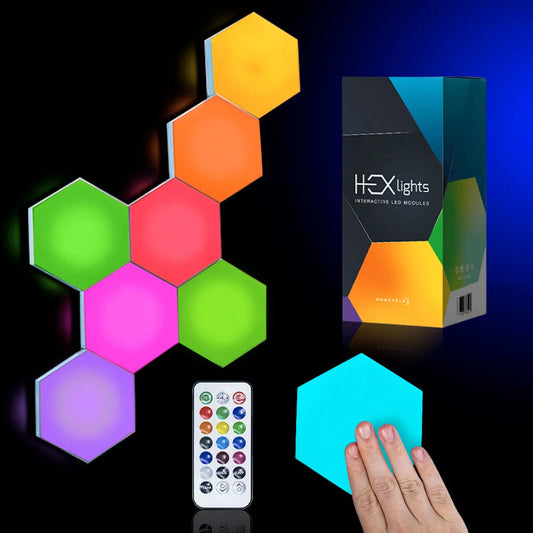
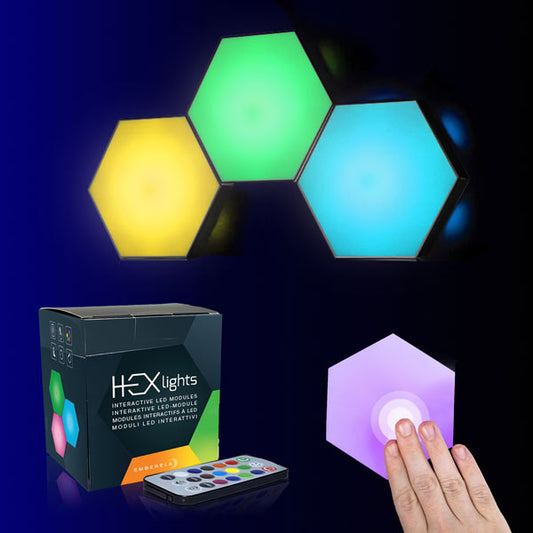
HEXlights are designed to:
- create immersive backdrops
- support focus and dopamine balance
- reduce visual stress
- adapt to individual needs in shared spaces
They help transform dual setups into environments that feel:
- cohesive
- comfortable
- immersive
- mentally sustainable
Gaming should energize; not exhaust.
When to Get Personalized Setup Advice
Dual setups come with variables:
- room size
- desk layout
- gaming habits
- sensory sensitivity
Personalized lighting guidance helps when:
- styles clash
- one person feels overstimulated
- you want immersion without chaos
- you’re designing a shared long-term setup
Contact Us to get tailored lighting advice for your dual gaming space.