
An ADHD-friendly desk setup prioritizes lighting that minimizes glare, reduces visual distractions, and adapts to different tasks. Layered, adjustable lighting can help create a more comfortable workspace, making it easier to stay engaged during work or study sessions.
While lighting is not a treatment for ADHD, a thoughtfully designed environment can support focus and reduce unnecessary sensory overload.
Introduction
Working from home sounds simple; until your workspace constantly competes for your attention.
Bright overhead lights, screen glare, visual clutter, and harsh contrasts can make it difficult for anyone to stay focused, especially those who experience attention challenges. While lighting isn't a cure for ADHD, research suggests that environmental design plays an important role in comfort, productivity, and sustained attention.
In this guide, you'll learn how to build an ADHD-friendly desk setup, choose lighting for focus, and create a workspace that feels calmer without sacrificing creativity.
Why Does Lighting Matter in an ADHD-Friendly Desk Setup?
Lighting influences how we perceive a space and how comfortable it feels during prolonged tasks.
Studies in workplace ergonomics have found that poor lighting can contribute to:
- eye strain
- visual fatigue
- reduced comfort
- lower task performance
For people with ADHD, minimizing unnecessary sensory distractions can make a workspace easier to navigate and use consistently.
The goal isn't brighter lighting; it's better-controlled lighting.
Can Lighting Improve Focus for ADHD?
Lighting cannot treat ADHD, but it can support a work environment that promotes concentration.
A well-designed workspace may help by:
- reducing harsh shadows
- minimizing glare
- improving visual comfort
- creating clear task zones
Many occupational therapists recommend considering environmental adjustments—including lighting—to reduce distractions during focused work.
What Makes an ADHD-Friendly Home Office Setup?
An effective ADHD home office setup combines organization, flexibility, and sensory comfort.
Key elements include:
- adjustable lighting
- limited visual clutter
- ergonomic furniture
- consistent workstation layout
- defined work zones
Lighting acts as the foundation that ties these elements together.
What Is the Best Lighting for Focus?
Layer Your Lighting
Instead of relying on one bright ceiling fixture, combine:
- ambient lighting
- task lighting
- accent lighting
This reduces harsh contrast across your workspace.
Choose Neutral White for Productivity
Many professionals find that neutral white lighting between 3500K and 4500K creates a balanced workspace for reading, writing, and computer work.
Warmer light can be reserved for breaks or the end of the workday.
Reduce Screen Glare
Avoid placing lights directly behind or in front of your monitor.
Instead:
- position lights beside your desk
- bounce light off nearby walls
- use indirect illumination whenever possible
This creates a more comfortable visual environment.

How Can Lighting Reduce Visual Distractions?
One overlooked aspect of productivity is visual noise.
A workspace filled with competing light sources, reflections, and overly bright LEDs constantly demands attention.
Instead, aim for:
- consistent brightness
- soft transitions
- indirect illumination
- controlled contrast
A calmer environment allows your attention to stay on the task rather than the room itself.
Should You Use Colored Lighting While Working?
It depends on the activity. Neutral white light generally supports:
- studying
- writing
- office work
Warmer tones may be better for:
- creative brainstorming
- winding down
- reading after work
Highly saturated colors can be enjoyable during gaming or entertainment but may not be ideal for prolonged concentration.
Designing a Workspace That Supports Different Modes
Your desk doesn't have to serve only one purpose.
Many people transition between:
- meetings
- focused work
- creative projects
- relaxation
Adjustable lighting makes those transitions feel more natural.
Rather than changing your workspace completely, you simply change the atmosphere.
Five Practical Lighting Tips for Better Focus
- Keep your primary light outside your direct field of vision.
- Use dimmable lighting whenever possible.
- Separate work lighting from relaxation lighting.
- Avoid multiple competing light colors.
- Let lighting highlight your workspace; not dominate it.
Small adjustments often create the biggest improvements.
Common Mistakes to Avoid
Many desk setups become less effective because they rely on trends instead of functionality.
Avoid:
- extremely bright RGB lighting during work
- harsh overhead lighting only
- cluttered desktops
- reflective surfaces near monitors
- inconsistent lighting throughout the day
The best workspace is one that quietly supports your routine.
Focus Comes From Reducing Friction
People often search for the "perfect productivity setup," but productivity usually comes from removing obstacles rather than adding more tools.
A workspace that feels visually calm requires less mental effort to navigate. Instead of constantly reacting to glare, clutter, or uncomfortable lighting, your attention stays where it belongs; on the task in front of you.
Lighting won't replace healthy work habits, but it can remove one more barrier to getting started.
Choosing Sensory Lighting That Fits Your Routine
At Emberela, lighting is designed to adapt to the way people actually use their spaces.
Whether you're building a focused workstation, a creative studio, or a hybrid home office, Emberela products emphasize flexibility, comfort, and thoughtful design instead of overwhelming visual effects.
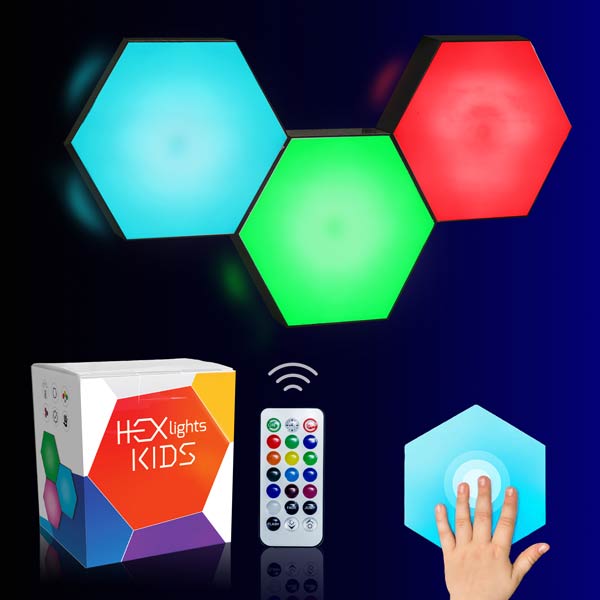
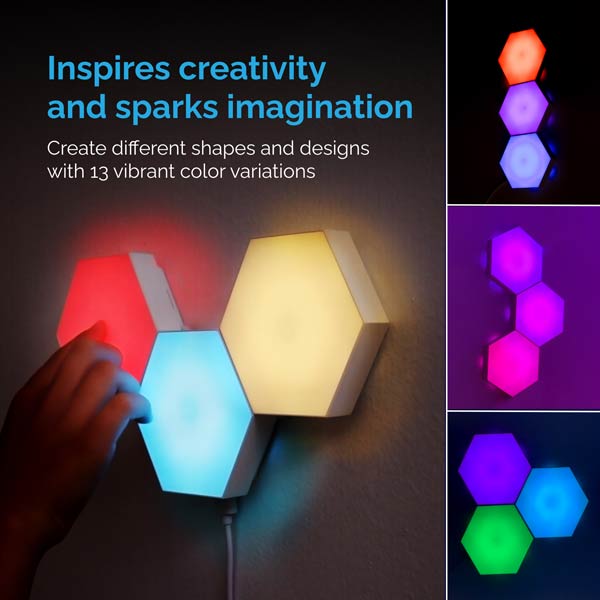
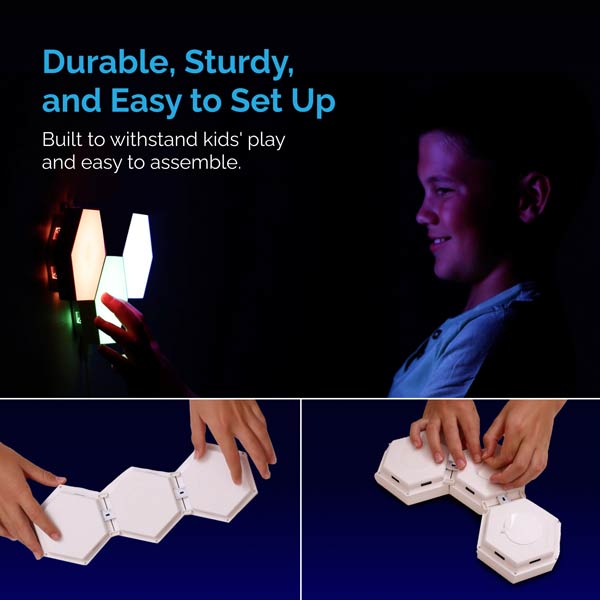
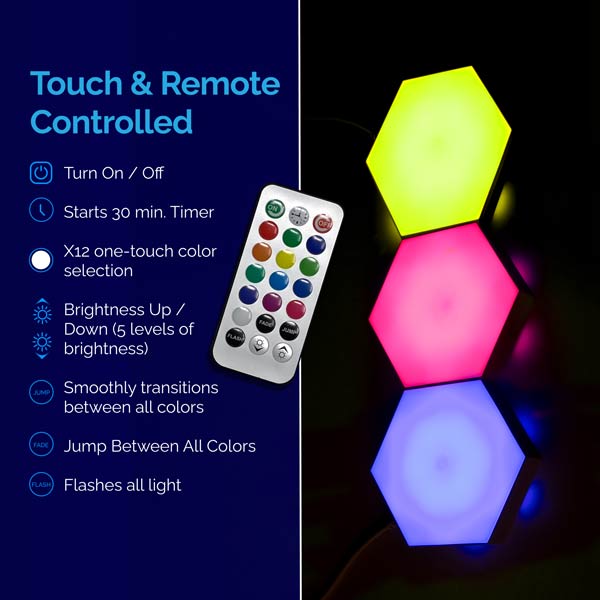
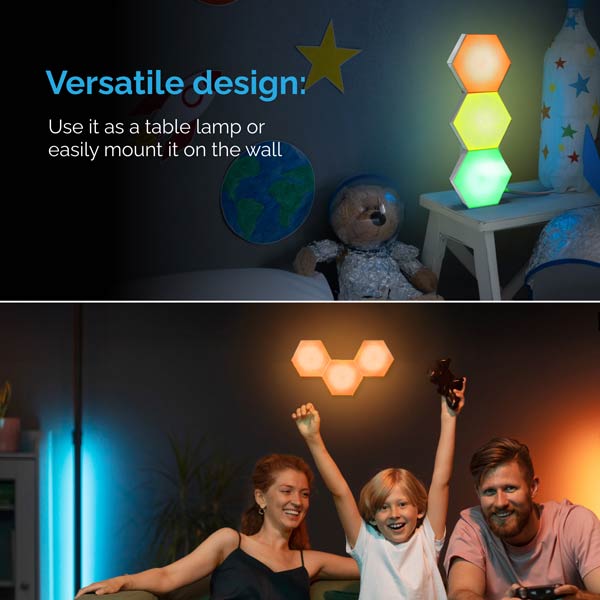
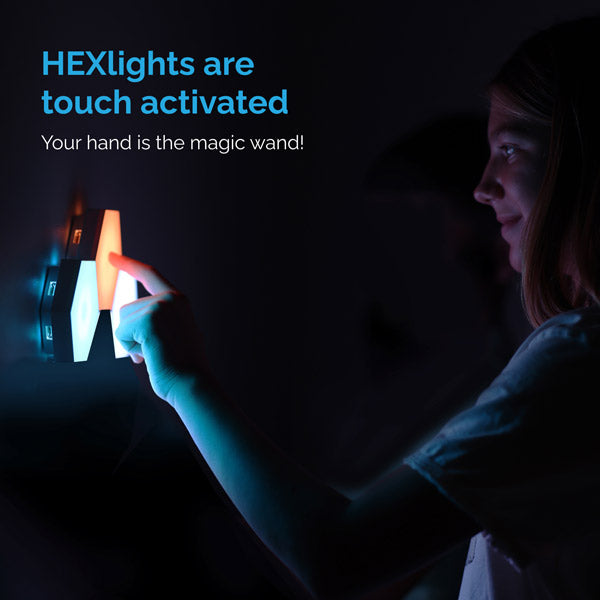
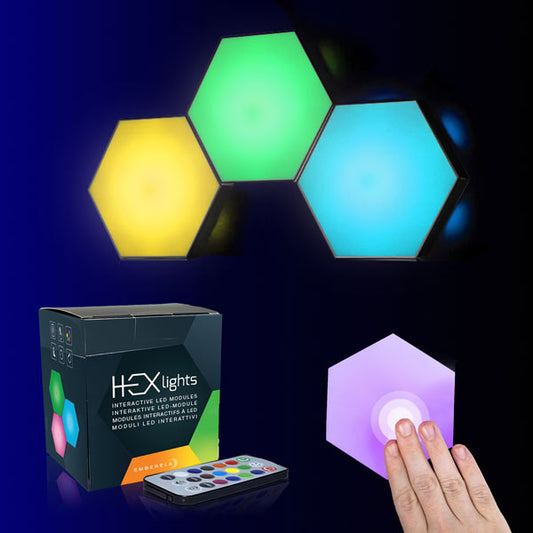
For subtle ambient illumination, ORBLUX creates a softer atmosphere around your workspace, while HEXlights SnapTap allows you to customize wall lighting that evolves with your workflow.
If you're redesigning a compact workspace, our guide to Best LED Lights for Small Rooms explores lighting strategies for apartments, dorms, and home offices. You can also find more productivity-focused ideas in our Anti-Burnout Desk Setup guide.
When Is It Time to Upgrade Your Desk Lighting?
Consider updating your lighting if you regularly experience:
- eye fatigue
- screen glare
- difficulty concentrating
- inconsistent brightness throughout the day
- discomfort during long work sessions
Even modest improvements in lighting can make your workspace feel more inviting and easier to use every day.